Paste a screenshot and a style is applied instantly. Shuffle or browse 24 styles in the Glaze Jar.

design · By Goalmatic creator
Version 0.1.0 · Updated Sep 28, 2026
Glaze
Glaze
Free to installUses shared credits only for metered actions
A Goalmatic account is required so you can choose a workspace and review Glaze's access before installing. Create an account
Uses your Goalmatic account and the workspace you choose. Installation does not spend credits.
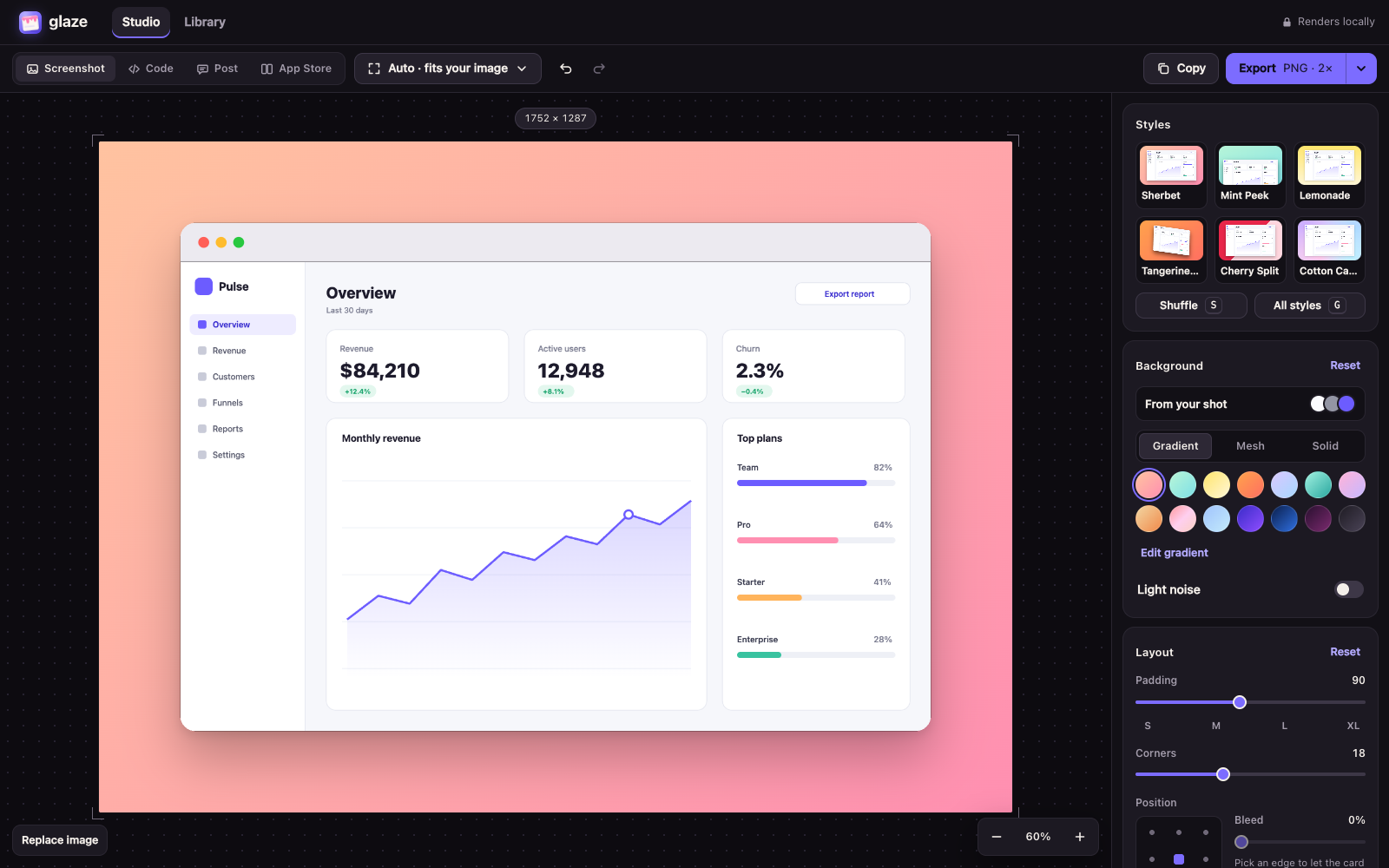
Product tour
See what you can do
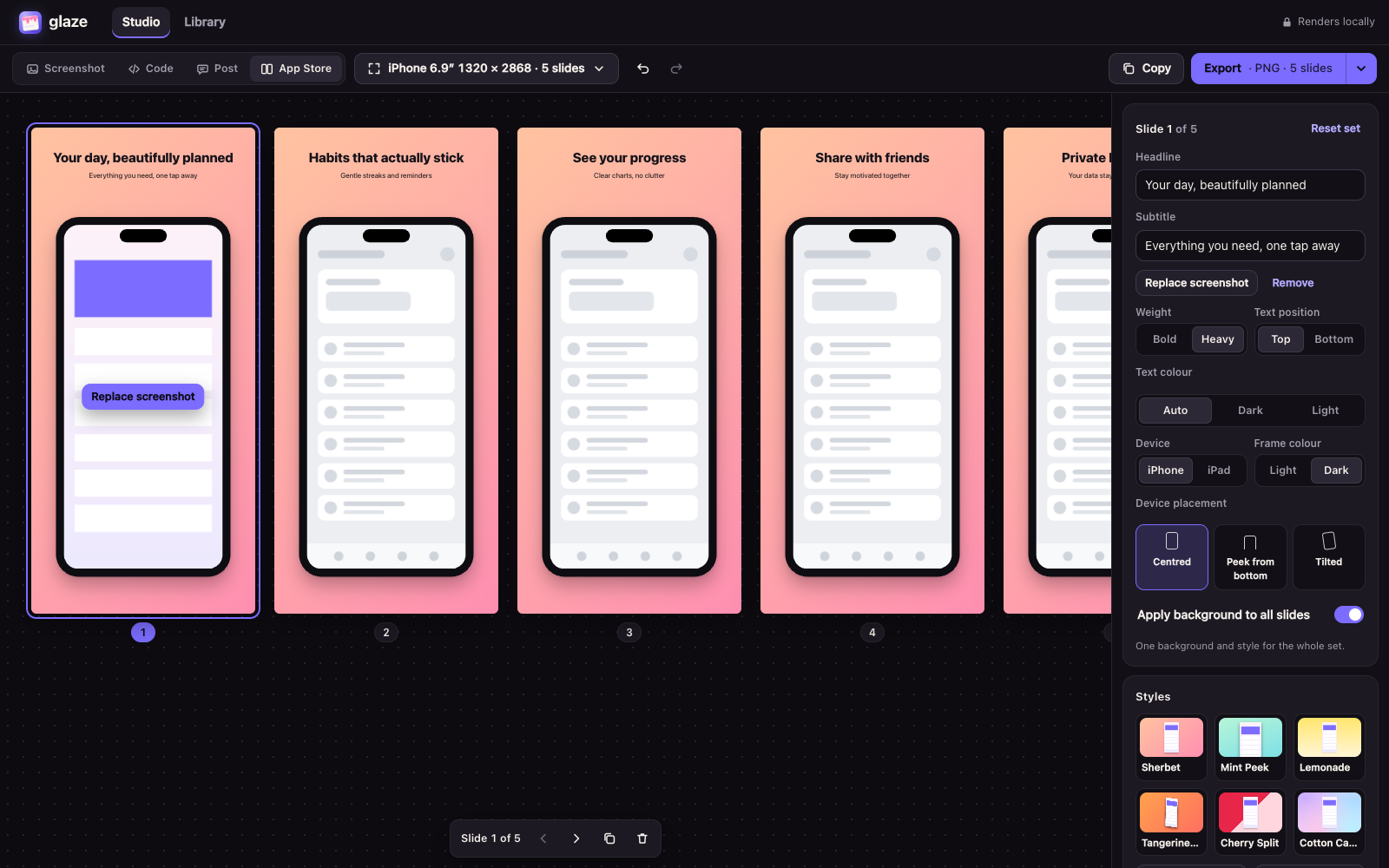
Screenshots provided for this App.
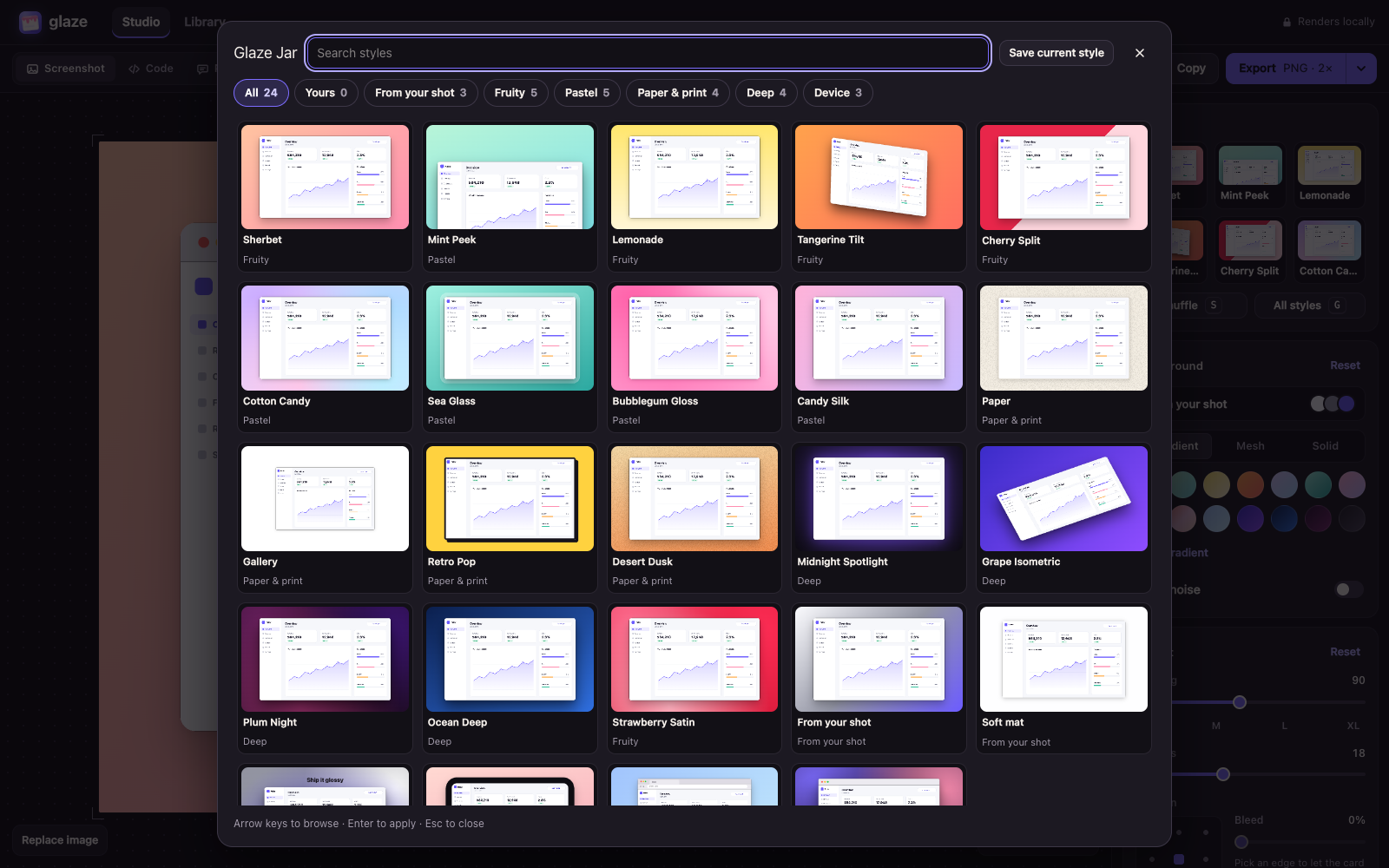
Why this App
What it helps you achieve
Presets for Open Graph, X, LinkedIn, Instagram, Product Hunt and every current iPhone and iPad App Store size.
Images are rendered in your browser and never uploaded. Only the styles you save are stored, in your own workspace.
About
Built for a focused job
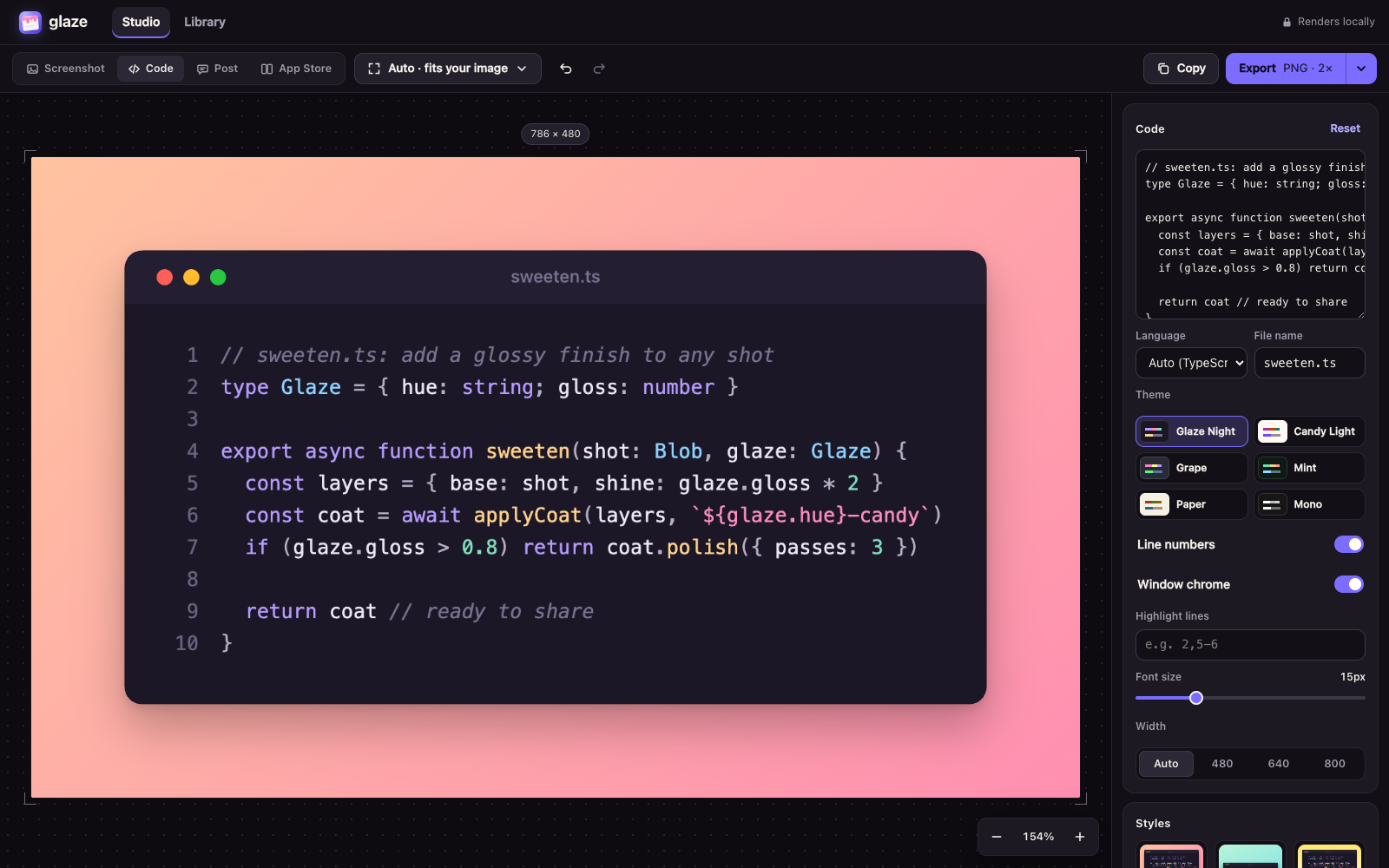
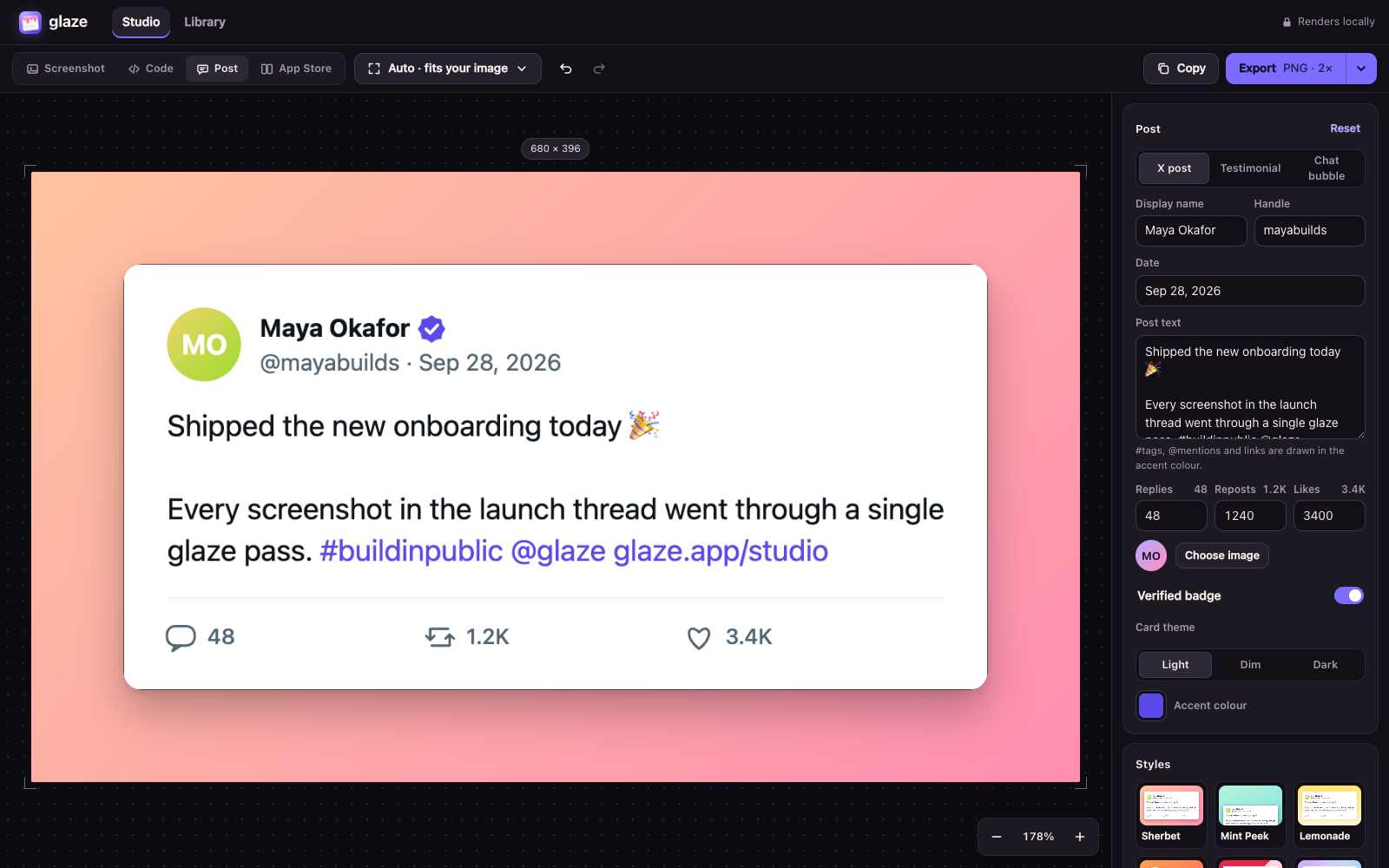
Glaze turns screenshots, code and posts into share-ready images. Pick a style, add a device frame or a 3D tilt, and export at the exact size for X, LinkedIn, Instagram, Product Hunt or the App Store. Everything renders in your browser, so your images are never uploaded.
How it works
- 1Paste or drop an image
Or start from code, a post, or an App Store set.
- 2Pick a style
Tune the background, padding, shadow, frame and 3D tilt.
- 3Copy or export
PNG, JPEG or WebP at up to 4×, or a ZIP of App Store slides.
Goalmatic credits
The App is free to install. If a specific AI, research, publishing, or provider action uses shared credits, Goalmatic shows the applicable cost when the platform exposes it.
- Credits belong to your selected workspace.
- Installation and ordinary browsing do not spend credits.
- Top-ups stay in central Goalmatic billing.
Access stays explicit
The App receives only the access declared by this Store release and approved for the workspace you choose.
1Required
0Optional
1Resources
No connected-account provider is required by this release.
- A Goalmatic account
Permissions1 declared
Installation resources1 total
1 TablesStyles
0 agentsNone
0 workflowsNone
Trust and lifecycle
Know what happens before and after installation
Data stays scoped to the workspace you choose.
New permissions require another approval.
Uninstall stops sessions and workflows first.
App-created Tables are preserved by default.