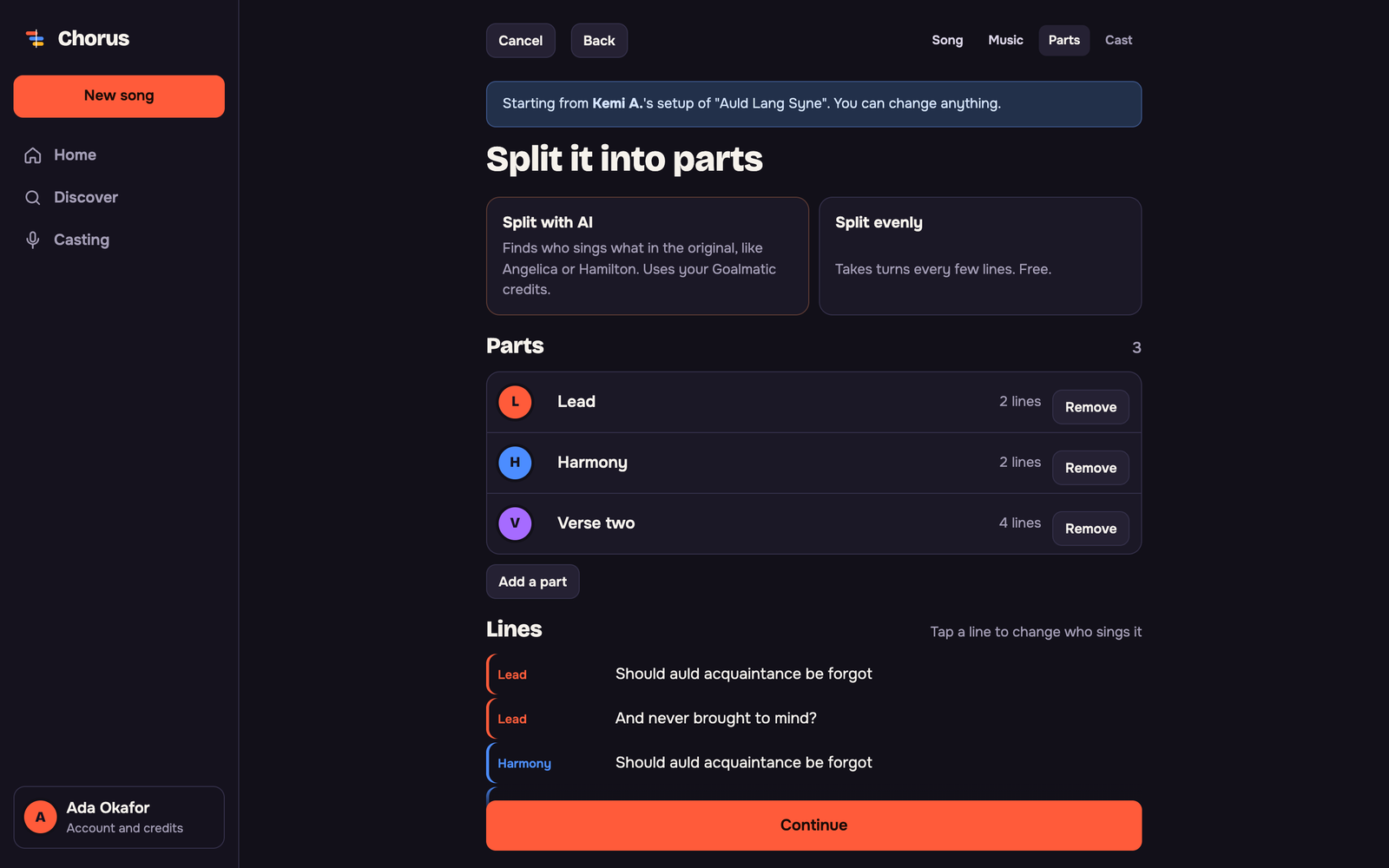
Split any song by hand, evenly, or with AI that finds the real parts, like Angelica and Hamilton. Each singer sees their own lines highlighted.
entertainment · By Goalmatic creator
Version 0.5.0 · Updated Nov 8, 2026
Chorus
Chorus
Free to installSome actions use your Goalmatic credits
No ratings yet21 installs40 viewsRead reviews A Goalmatic account is required so you can choose a workspace and review Chorus's access before installing. Create an account
Installing is free. The App can only use what is listed under “What it can use” on this page, in the workspace you are in.
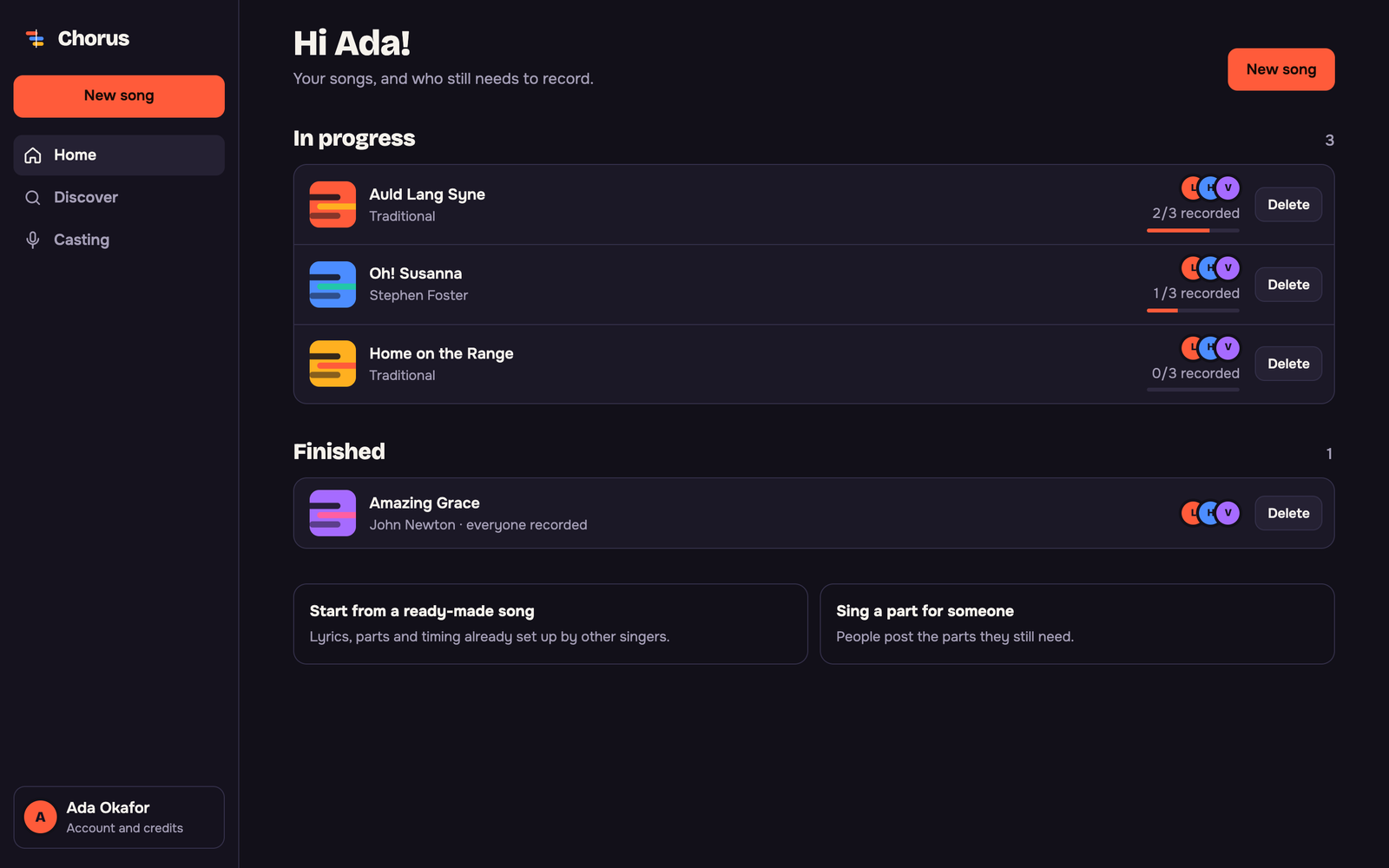
Product tour
See what you can do
Screenshots provided for this App.

Why this App
What it helps you achieve
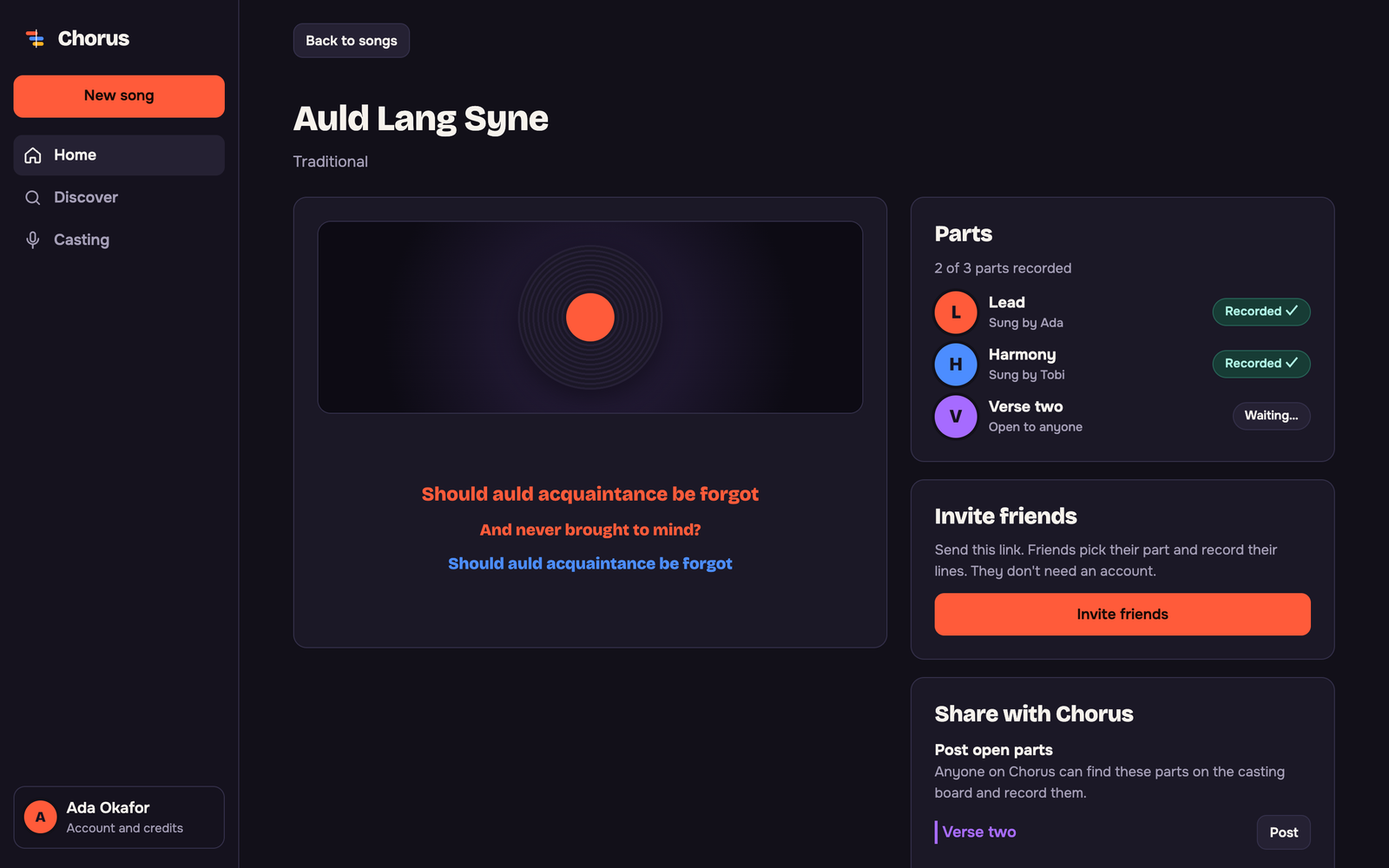
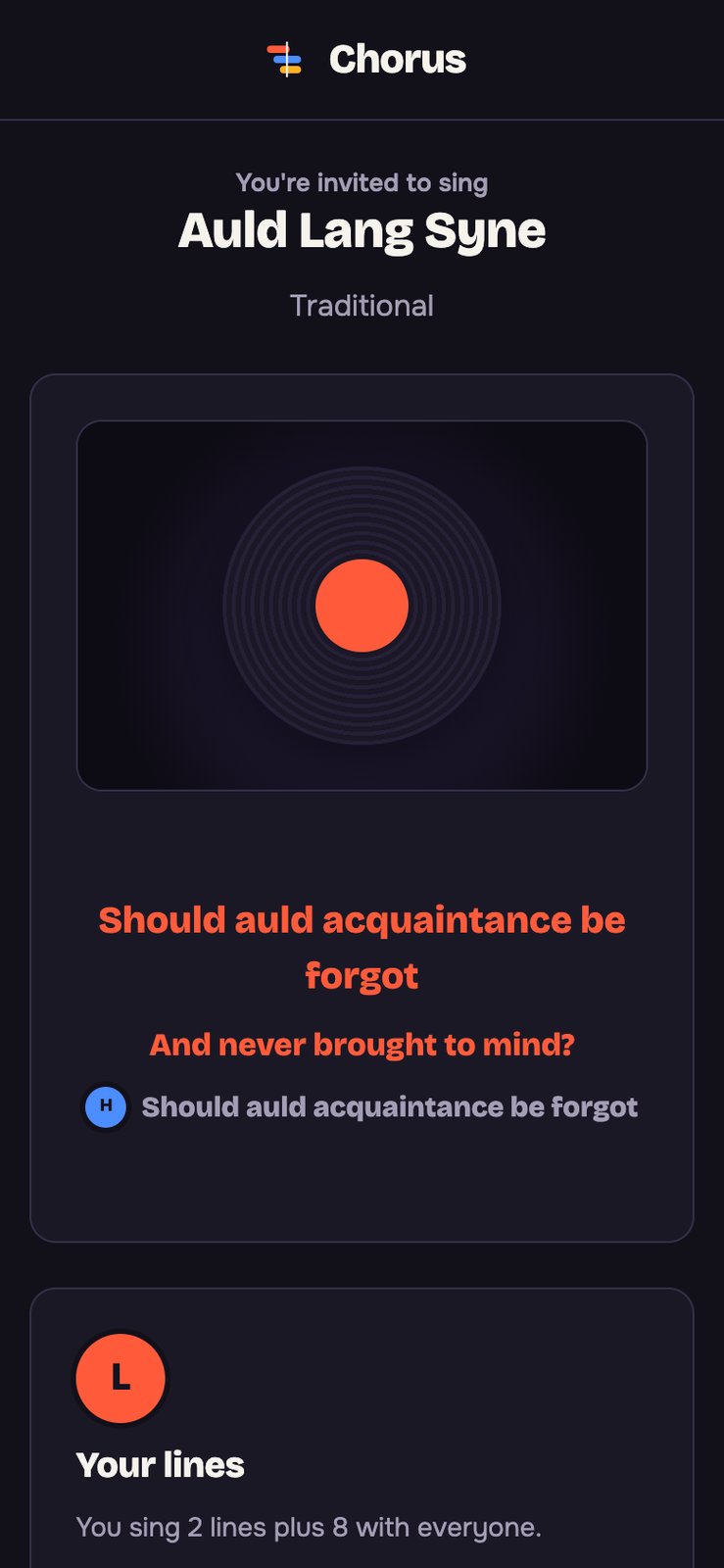
Each friend records on their own phone, whenever they like. Chorus lines every voice up with the music and plays them together.
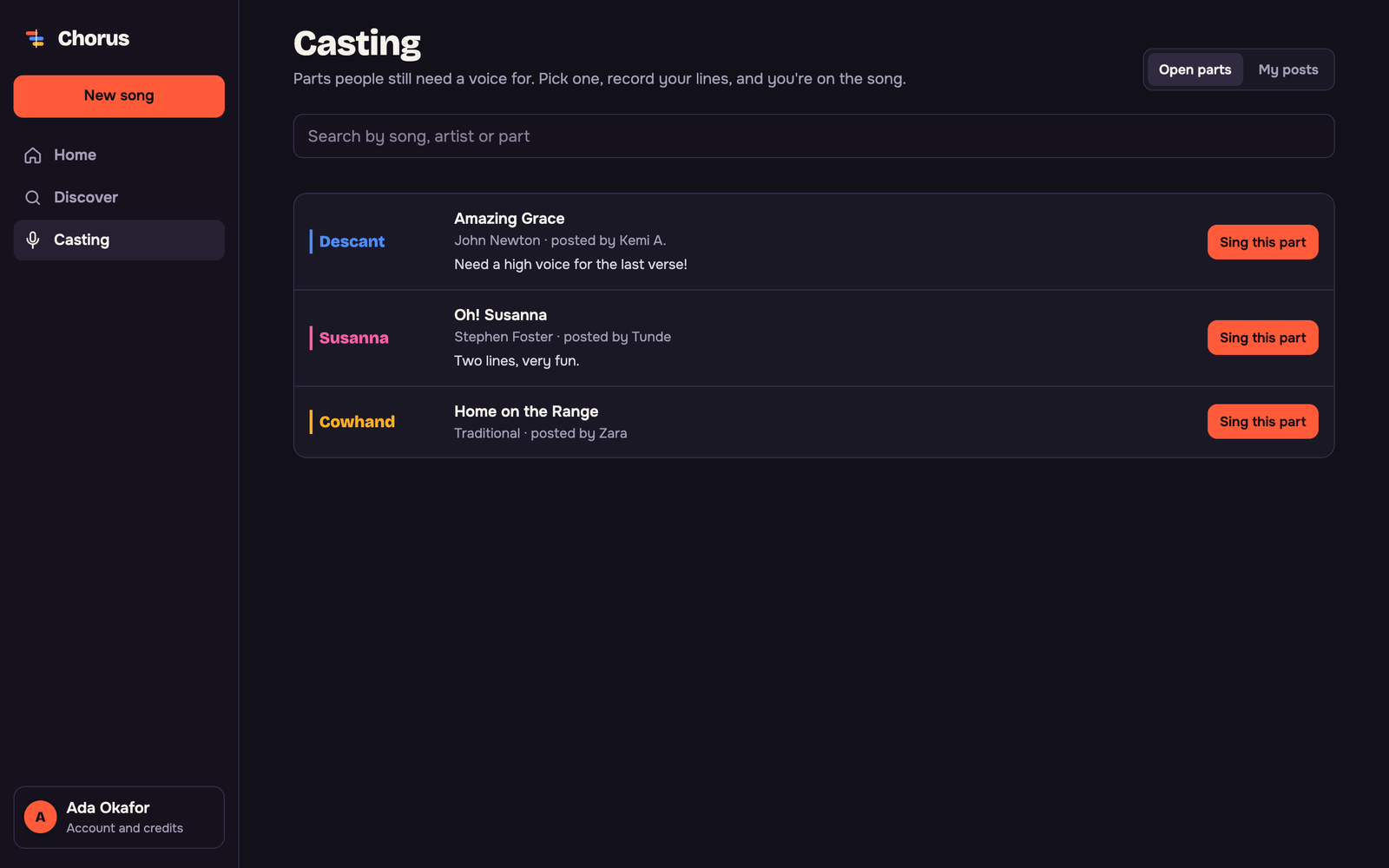
Reuse songs other singers already set up in Discover, or post the parts you still need on the casting board.
About
Built for a focused job
Group karaoke with your friends, from anywhere. Split a song into parts, send each friend their lines, and hear every voice together. Friends join with a link and don't need an account.
How it works
- 1Pick a song
Search for any song with timed lyrics and add a YouTube karaoke version or a music file.
- 2Split it into parts
Give each part to yourself, a friend, or anyone on Chorus.
- 3Send the link and sing
Everyone records their lines with headphones on, then you play every voice together.
Goalmatic credits
The App is free to install. If a specific AI, research, publishing, or provider action uses shared credits, Goalmatic shows the applicable cost when the platform exposes it.
- Credits belong to your selected workspace.
- Installation and ordinary browsing do not spend credits.
- Top-ups stay in central Goalmatic billing.
You control what it can use
The App can only use the things listed below, and only in the workspace you install it in.
5Needed
0Optional
4Things it adds
You do not need to connect any other account.
- A Goalmatic account to start songs (friends only need the link)
- Headphones for the best recordings
What it can use5 items
What it adds to your workspace4 total
4 TablesSongs, Takes, Song library, Casting board
0 agentsNone
0 workflowsNone
Community
Ratings and reviews
Views since Oct 26, 2026
40deduplicated views
21successful installs
0written reviews
Sign in and install this App in a workspace to leave a rating.
Sign in to rateWhat people say
Loading reviews…
Good to know
What happens when you install or remove it
Your data stays in the workspace you install it in.
If an update needs more access, it asks you first.
Removing the App stops it running first.
Tables the App made are kept unless you choose to delete them.
Privacy policySupportAlso connects to: lrclib.net, www.youtube.com, youtube.com, i.ytimg.com, fonts.googleapis.com, fonts.gstatic.com