Keeps one account-scoped requirement, schedule, delivery choice, and pause state.

productivity · By Goalmatic
Version 1.5.6 · Updated Oct 16, 2026
Career Studio
Set one job requirement and receive fresh Google-grounded matches by email or WhatsApp.
Free to installUses shared credits only for metered actions
A Goalmatic account is required so you can choose a workspace and review Career Studio's access before installing. Create an account
Installing approves the access listed on this page for the workspace you are in. Installation does not spend credits.
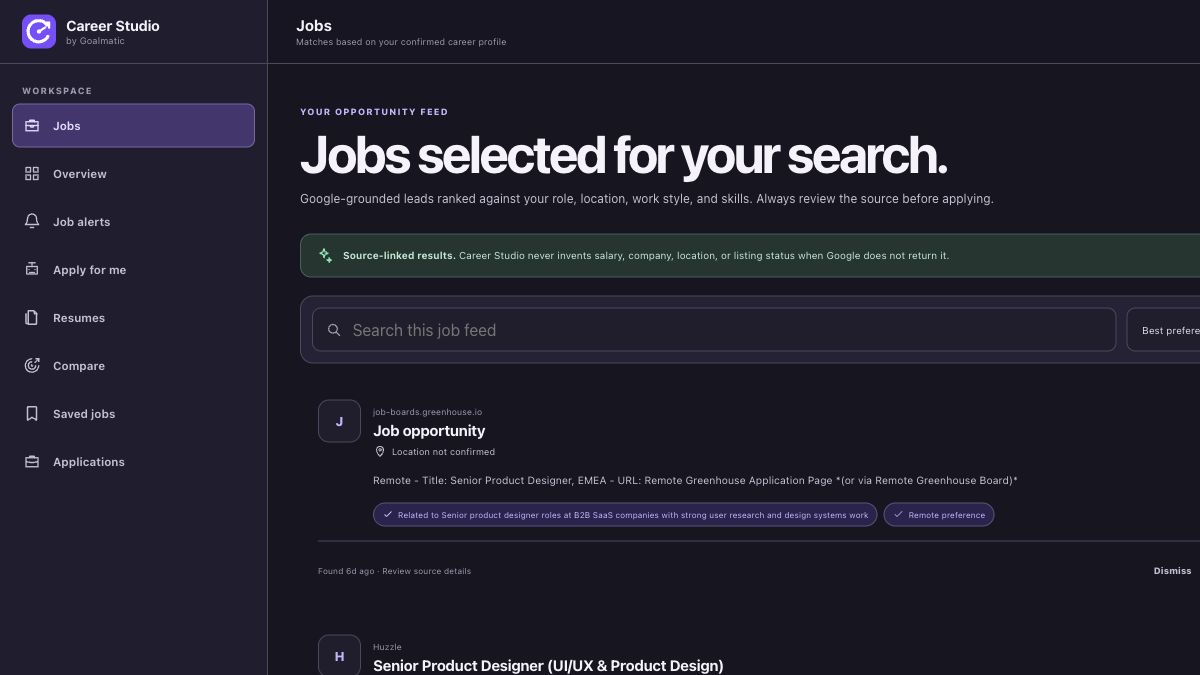
Product tour
See what you can do
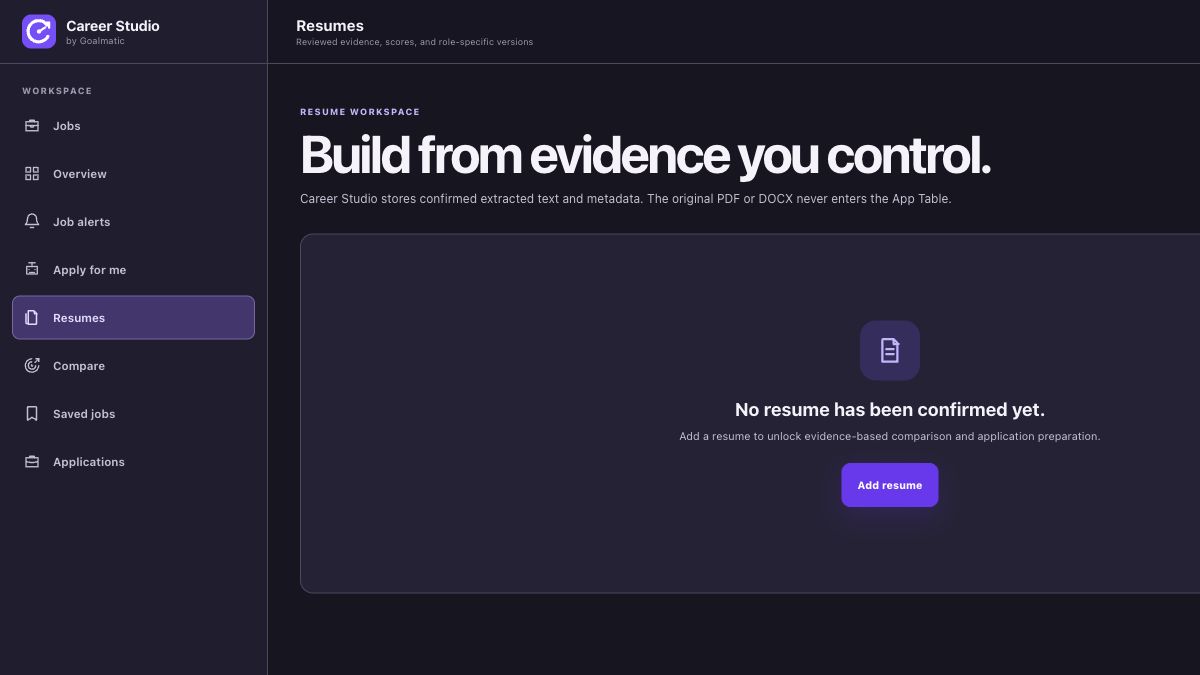
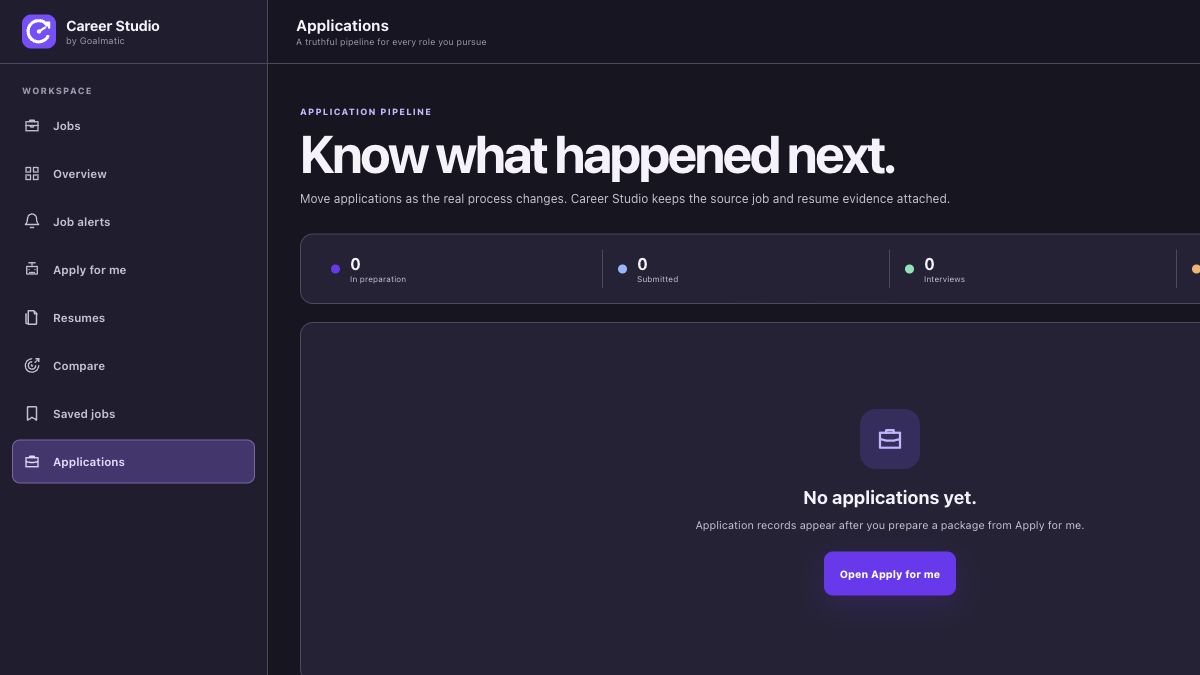
Screenshots provided for this App.
Why this App
What it helps you achieve
Keeps confirmed profile, resume text, job leads, comparisons, application packs, and application history in the active Goalmatic workspace.
Runs an explicit Google-grounded search when you choose Refresh jobs and uses exactly three shared Goalmatic credits.
Runs the saved search on schedule and sends the result to the account owner's registered email.
Runs the saved search on schedule and sends the result through the selected WhatsApp account.
About
Built for a focused job
Career Studio turns one focused job requirement into a recurring Goalmatic workflow. It checks Google on the schedule you choose, uses your shared Goalmatic credits, and sends a concise digest to your registered email or selected WhatsApp account.
How it works
- 1Choose a workspace
Use your Goalmatic account and select where this App should work.
- 2Review access
See the declared resources, permissions, and connected accounts before continuing.
- 3Open the App
Start with the installed Store release in the workspace you selected.
Goalmatic credits
The App is free to install. If a specific AI, research, publishing, or provider action uses shared credits, Goalmatic shows the applicable cost when the platform exposes it.
- Credits belong to your selected workspace.
- Installation and ordinary browsing do not spend credits.
- Top-ups stay in central Goalmatic billing.
Access stays explicit
The App receives only the access declared by this Store release and approved for the workspace you choose.
5Required
3Optional
6Resources
Connected accounts: WHATSAPP
- A Goalmatic account and workspace
- A connected WHATSAPP account for provider actions
Permissions8 declared
Installation resources6 total
2 TablesCareer Studio Alerts, Career Studio Workspace
2 agentsCareer Studio Resume Editor, Career Studio Application Writer
2 workflowsCareer Studio - email job alert, Career Studio - WhatsApp job alert
Trust and lifecycle
Know what happens before and after installation
Data stays scoped to the workspace you choose.
New permissions require another approval.
Uninstall stops sessions and workflows first.
App-created Tables are preserved by default.
Privacy policySupportExternal domains: firebasestorage.googleapis.com, goalmatic.io, cdn.jsdelivr.net, jobicy.com, feedback-studio.apps.goalmatic.io, career-studio-apply.akpananthony33.workers.dev