Share a release-pinned page that exposes only your public profile, active services, and available times.

productivity · By Goalmatic
Version 0.8.0 · Updated Oct 14, 2026
Bookins
Bookings that work for African businesses
Free to installUses shared credits only for metered actions
A Goalmatic account is required so you can choose a workspace and review Bookins's access before installing. Create an account
Installing approves the access listed on this page for the workspace you are in. Installation does not spend credits.
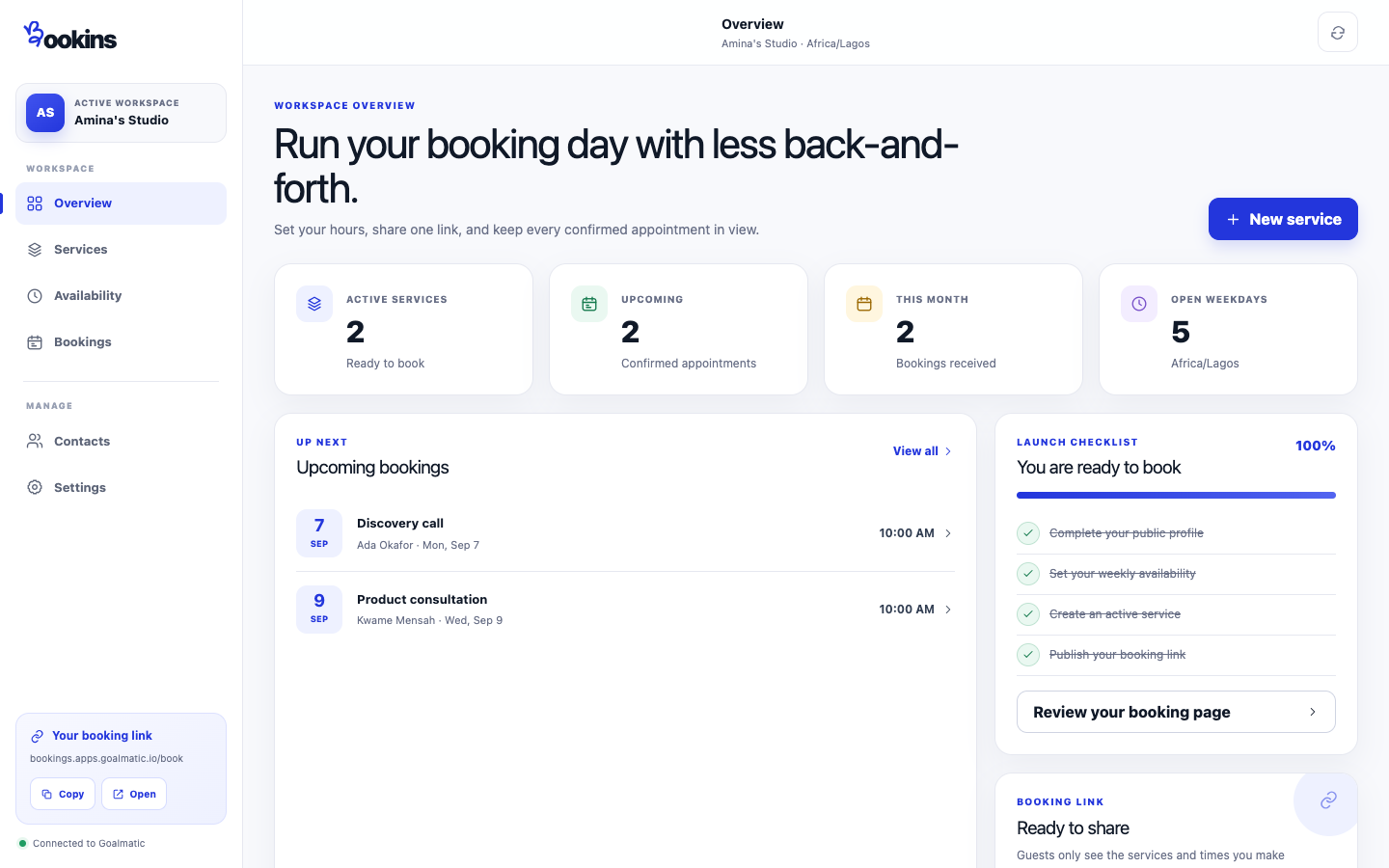
Product tour
See what you can do
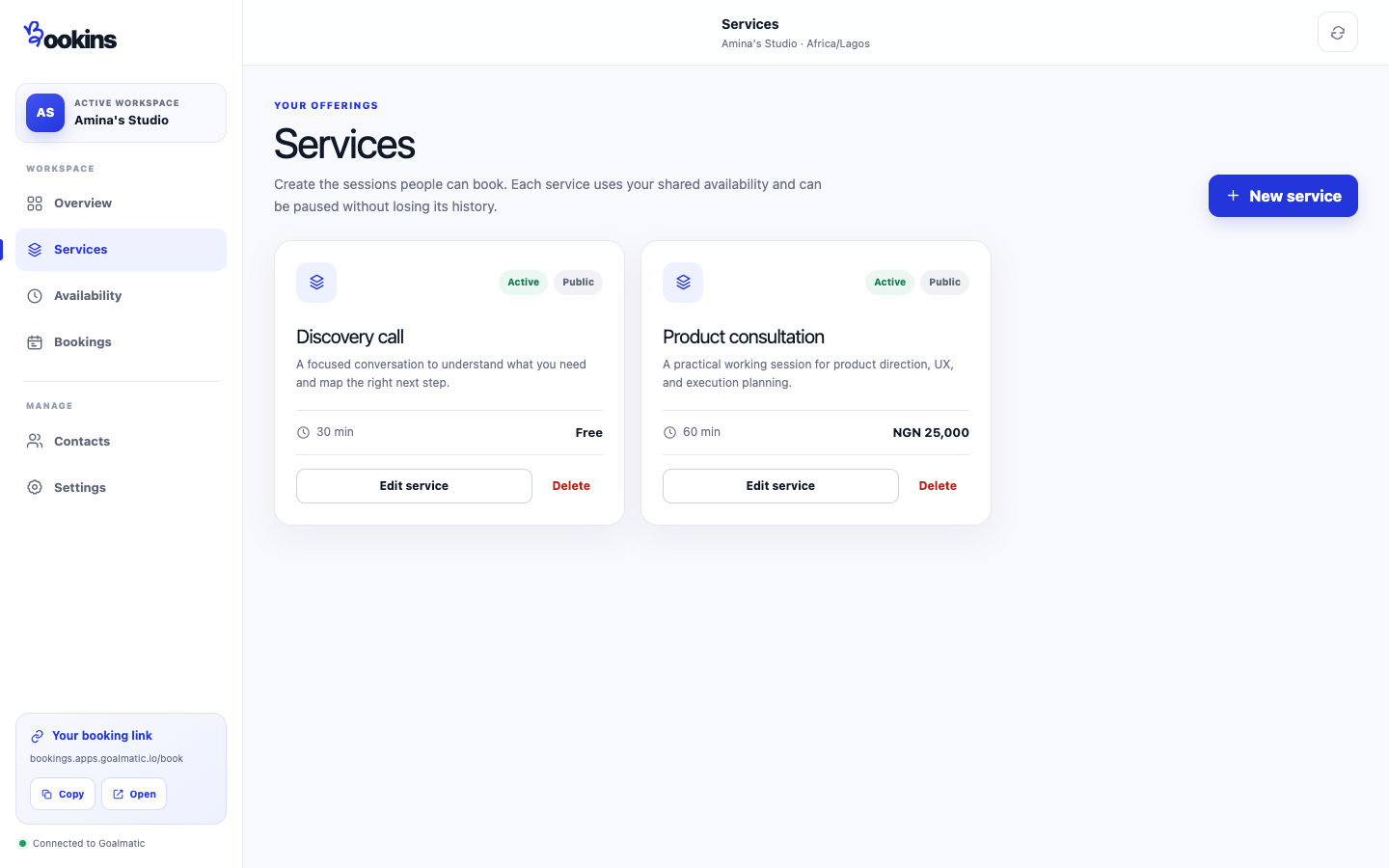
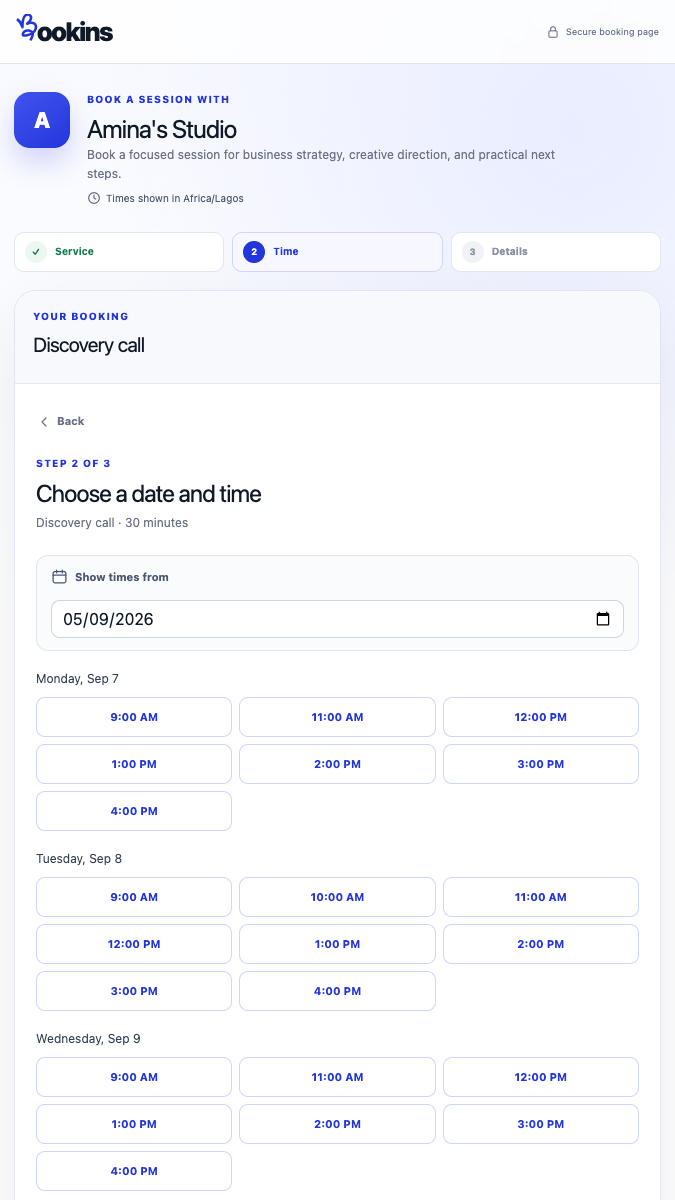
Screenshots provided for this App.
Why this App
What it helps you achieve
Set weekly availability, timezone, minimum notice, and how far ahead guests can book.
Create focused offers with clear durations and currencies including NGN, GHS, KES, ZAR, and XOF.
Find upcoming, past, and cancelled bookings with guest details and contact history in one workspace.
Bookins rechecks availability before confirmation so two guests cannot reserve the same start time.
About
Built for a focused job
Bookins helps African service businesses set availability, share a secure booking link, and manage confirmed appointments from one Goalmatic workspace. Payments, calendar writes, and email delivery remain clearly unavailable until connected.
How it works
- 1Set up your booking profile
Add the public name, bio, photo, and timezone guests should see.
- 2Choose hours and services
Set your weekly schedule, notice rules, service durations, visibility, and display prices.
- 3Share your booking link
Guests choose a service and available time, enter their details, and receive an on-screen confirmation.
Goalmatic credits
The App is free to install. If a specific AI, research, publishing, or provider action uses shared credits, Goalmatic shows the applicable cost when the platform exposes it.
- Credits belong to your selected workspace.
- Installation and ordinary browsing do not spend credits.
- Top-ups stay in central Goalmatic billing.
Access stays explicit
The App receives only the access declared by this Store release and approved for the workspace you choose.
6Required
6Optional
8Resources
No connected-account provider is required by this release.
- A Goalmatic account and workspace
Permissions12 declared
Installation resources8 total
7 TablesBooking Profiles, Booking Schedules, Booking Services, Bookings, Booking Contacts, Team Members, Campaigns
0 agentsNone
1 workflowsBookins - daily agenda email
Trust and lifecycle
Know what happens before and after installation
Data stays scoped to the workspace you choose.
New permissions require another approval.
Uninstall stops sessions and workflows first.
App-created Tables are preserved by default.
Privacy policySupportExternal domains: feedback-studio.apps.goalmatic.io, firebasestorage.googleapis.com